WEAR OS APP

Your TV Remote. Always on Your Wrist.

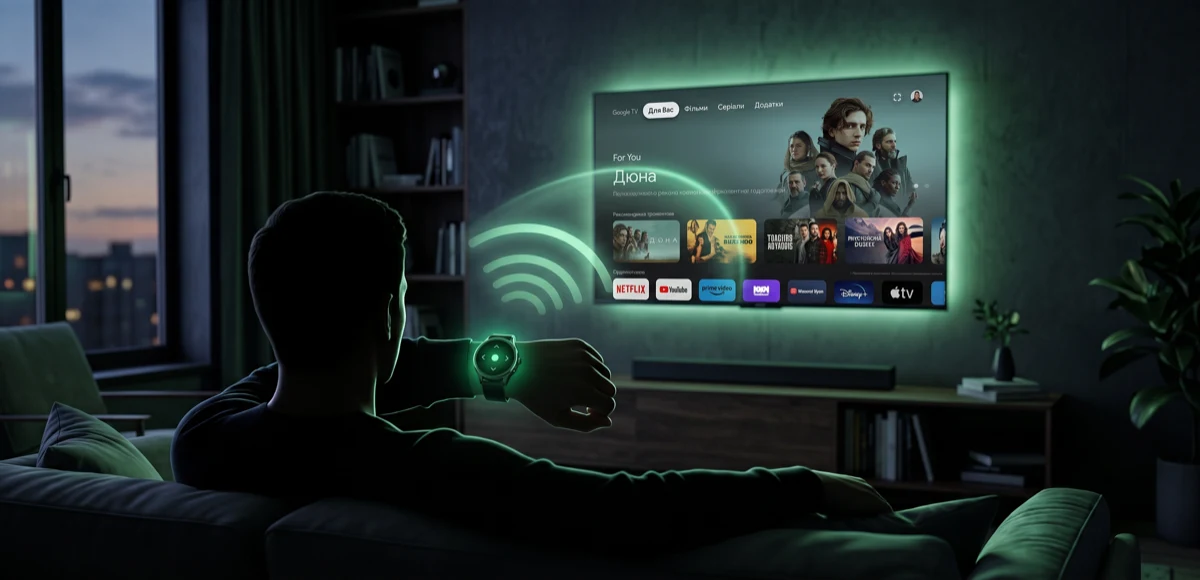
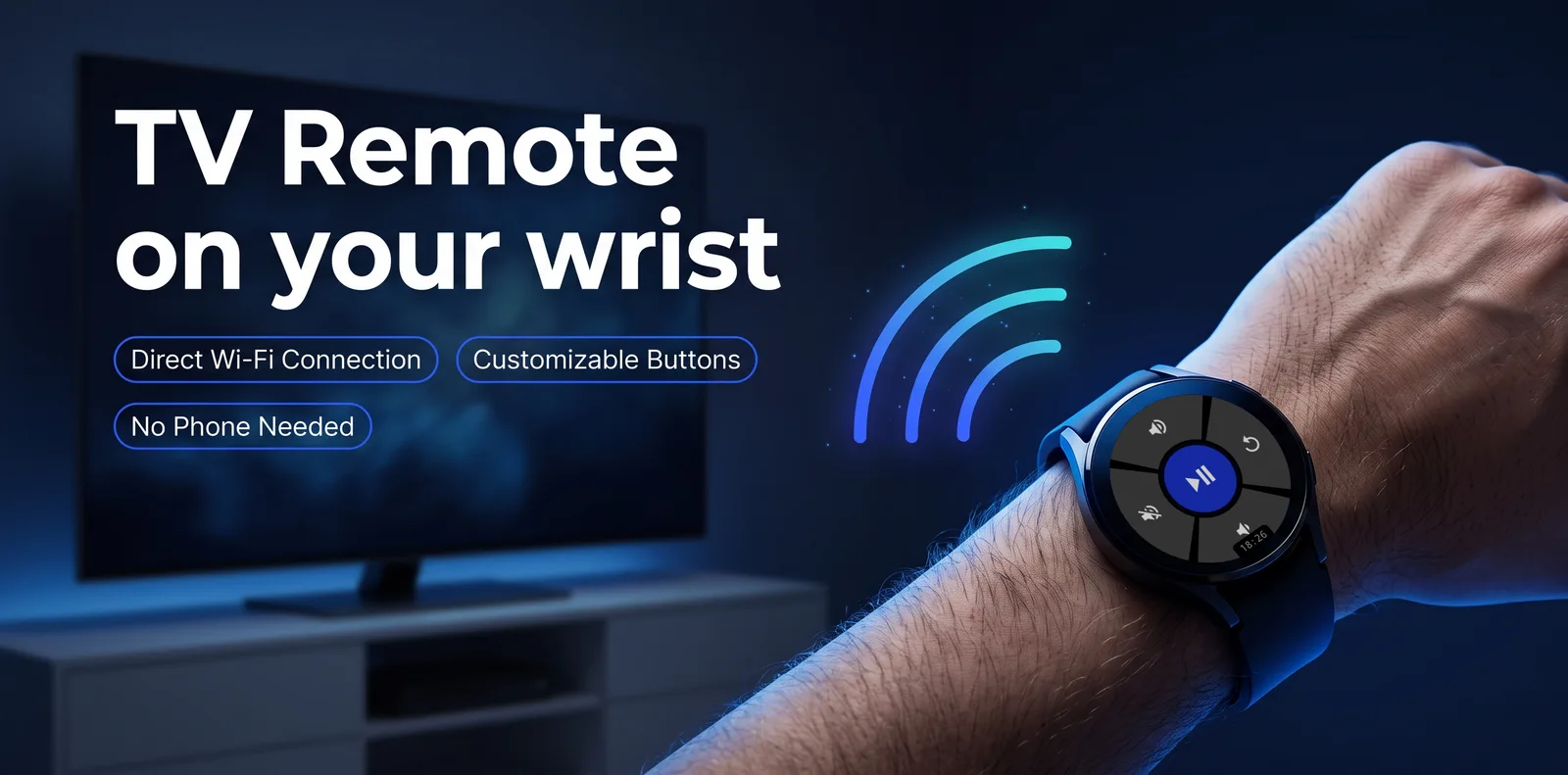
Control your Android TV directly from your smartwatch. Navigate, adjust volume, play media β€” all without reaching for the remote.

Download Free

Free β€’ No ads β€’ No phone needed

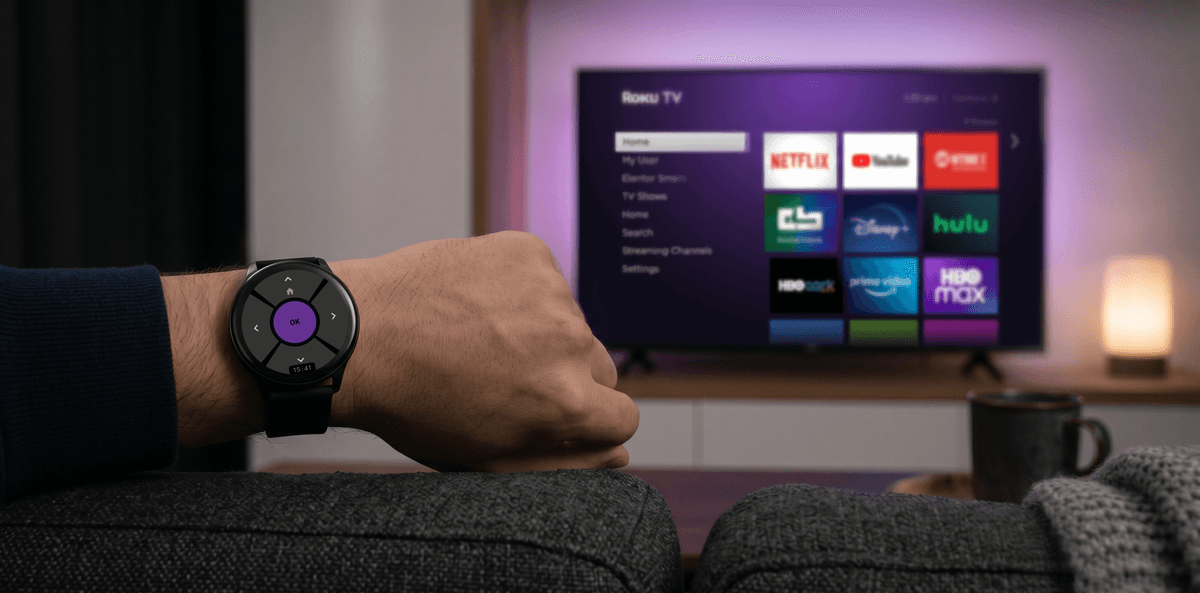
TV Remote navigation screen on Samsung Galaxy Watch showing D-pad controls with cyan OK button

WORKS WITH ANY ANDROID TV

TCLSonyPhilipsHisenseXiaomiSharpNVIDIA ShieldChromecast with Google TV
TV Remote navigation screen on Samsung Galaxy Watch showing D-pad controls with cyan OK button and Home shortcut

NAVIGATION

Intuitive D-Pad Control

Navigate your TV interface with precision using the 5-button D-pad optimized for the round watch screen. Short press for directional navigation, long press UP for Home.

Free β€” available without Pro upgrade

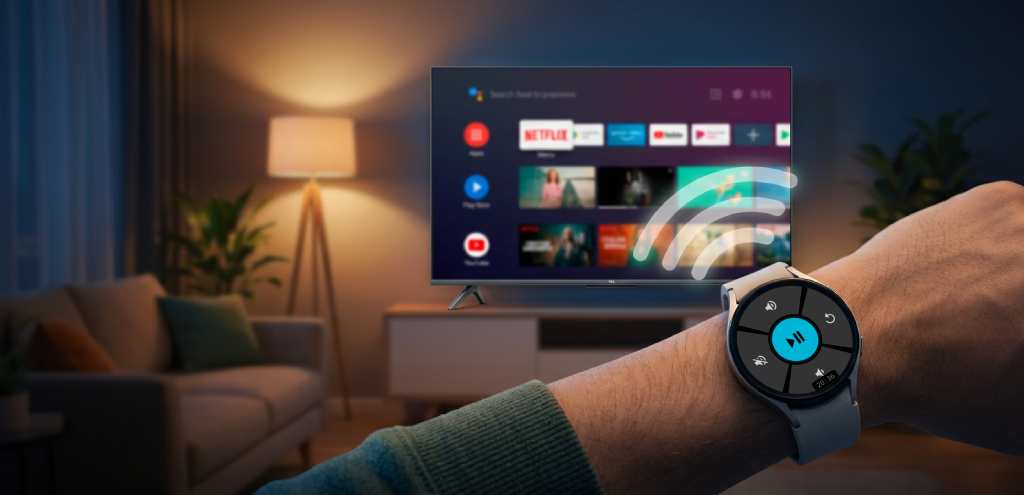
TV Remote media control screen showing Play/Pause button with volume and mute controls on WearOS smartwatch

MEDIA

Full Media Control

Dedicated media screen with Play/Pause, Volume Up/Down, Mute, and Back β€” all with large touch targets designed for quick access. Swipe between Navigation and Media screens with a single gesture. Rotate the bezel to adjust volume.

Pro feature

Button remapping navigation screen with amber theme on WearOS watchButton remapping media screen with amber theme on WearOS watchButton remap configuration showing short press and long press actionsAction categories: Navigation, Media, VolumeAction categories: Inputs, Channels, Other

CUSTOMIZATION

Remap Every Button

Assign any of 33 actions across 6 categories to any button. Set independent short press and long press actions. Choose from Navigation, Media, Volume, Inputs, Channels, and system controls including Power, HDMI switching, TV Guide, Captions, and Voice Assistant.

Pro feature

Always-On Display showing analog clock with navigation controls dimmedAlways-On Display showing analog clock with media controls dimmed

ALWAYS READY

Always-On Display

Your remote stays visible even when the watch screen dims. The always-on mode shows an analog clock with a connection status indicator β€” green dot when connected, red when offline. The display shifts position every minute to prevent burn-in.

Pro feature

HOW IT WORKS

Control Your TV in 60 Seconds

01

Install the App

Get TV Remote free from Google Play Store directly on your WearOS smartwatch. No phone companion app needed.

02

Connect to Your TV

The app automatically discovers your Android TV on the same Wi-Fi network using mDNS. One-time secure pairing with on-screen PIN code.

03

Start Controlling

Navigate, play, pause, adjust volume, switch HDMI inputs, power on/off β€” all from your wrist. Long press the center button to switch between Navigation and Media modes.

EVERYTHING YOU NEED

33 Actions. 6 Categories.

D-Pad Navigation

Up, Down, Left, Right with customizable long-press actions

Volume Control

Adjust volume via buttons or by rotating the watch bezel

Media Playback

Play, Pause, Stop, Next/Previous Track, Fast Forward, Rewind

Mute Toggle

Instantly mute and unmute with one tap

Home & Back

Jump to home screen or go back β€” like a physical remote

Button Remapping

33 actions across 6 categories β€” assign any to any button

Power Control

Turn your TV on and off without getting up

Always-On Display

Analog clock with burn-in protection and connection status

Wi-Fi Control

No Bluetooth limits β€” control your TV over Wi-Fi from anywhere in your home

COMPATIBILITY

Works With Your Devices

Compatible Watches

Samsung Galaxy Watch 4Samsung Galaxy Watch 5Samsung Galaxy Watch 6Samsung Galaxy Watch 7Samsung Galaxy Watch FESamsung Galaxy Watch UltraGoogle Pixel WatchGoogle Pixel Watch 2Google Pixel Watch 3Google Pixel Watch 4OnePlus Watch 2OnePlus Watch 3Xiaomi Watch 2 ProXiaomi Watch 5Mobvoi TicWatch Pro 5Mobvoi TicWatch AtlasMontblanc Summit 3Fossil Gen 6

…and many others! Any watch running WearOS 3.0 or later (API 30+)

Compatible TVs

TCLSony BraviaPhilipsHisenseXiaomi Mi TVSharpToshibaNVIDIA Shield TVChromecast with Google TVMecoolRealme TVOnePlus TV

Compatible with any device running Android TV or Google TV. Controls via Wi-Fi β€” no Bluetooth pairing, no line-of-sight needed. No additional setup required on the TV side.

Ready to Ditch the Remote?

Download TV Remote for free and start controlling your TV from your wrist today.

Free β€’ WearOS 3.0+ β€’ No phone companion needed

TV Remote app navigation screen ready to control your Android TV from WearOS smartwatch